| |
| Main Page >> Simple Search |
| |
| Simple Search |
| |
Even though the user is not logged in, he/she can still perform this search. This will only search for Catalogue Data. |
|
|
|
| How to use Simple Search |
1. Input the keyword into the search dialog at first homepage of e-Library System |
| 2. Press "Go" button for search |
| 3. Select the way the result will be shown, MARC or Non Marc at Search Result page |
| |
**Note In simple search, program will be automatically set to work using Index search method |
| |
|
| Results |
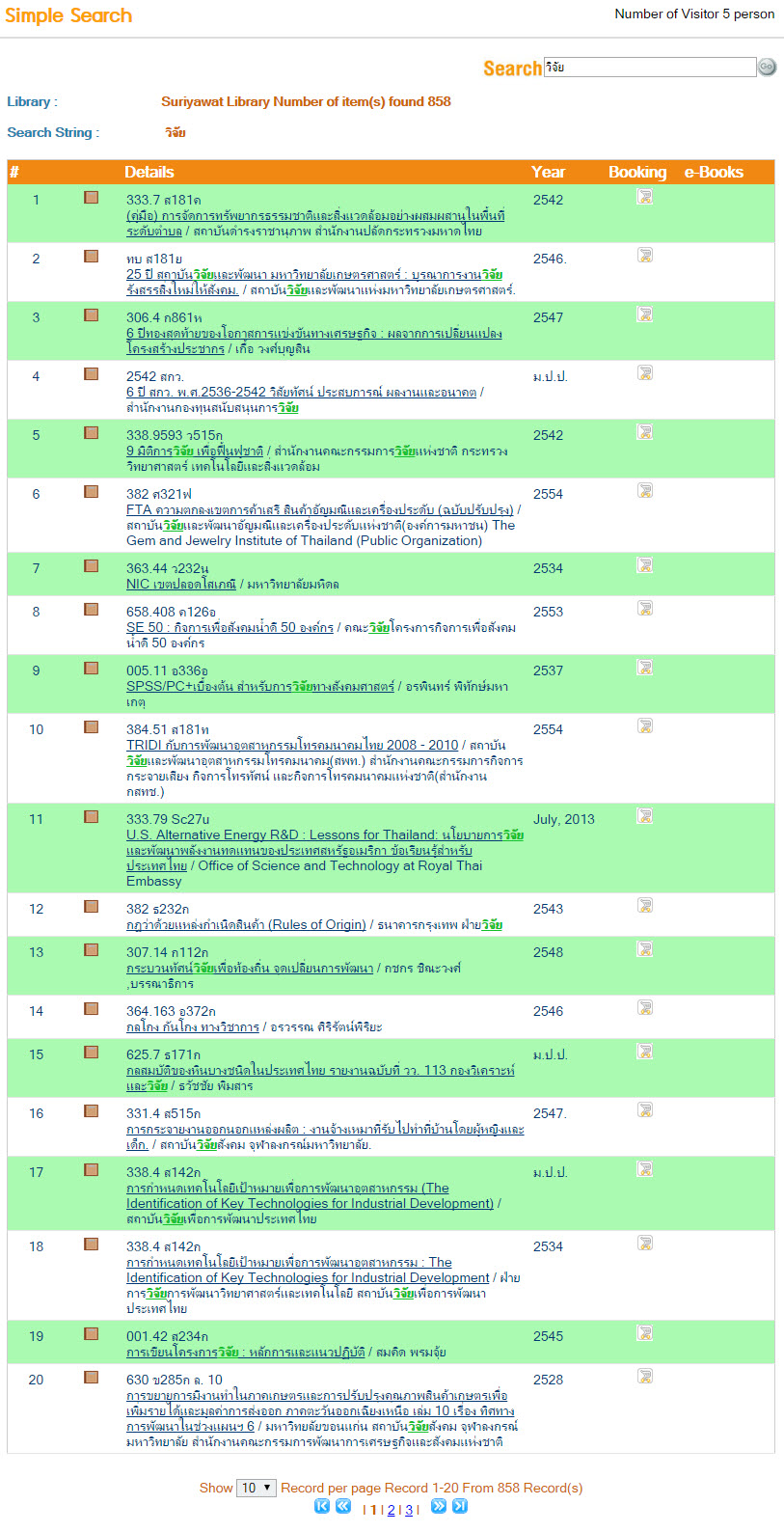
| If the search returns any result, a window like the screenshot below will appear. |
| |
|
|
| You can find the details about an entry found by searching by clicking on that specific entry. A menu will appear showing all the details of that entry. Furthermore, if the entry has any multimedia information, the program will link to that multimedia as well. |